
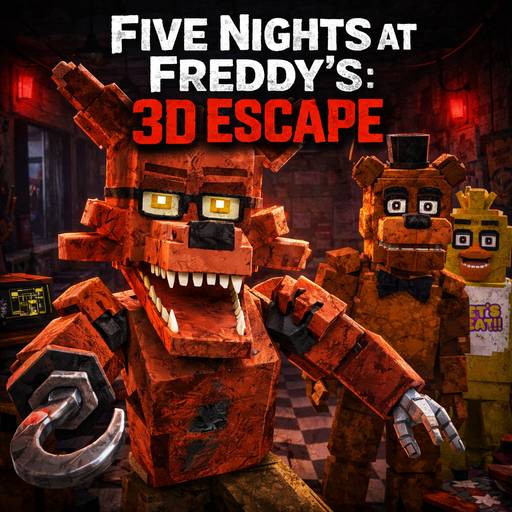





About Five Nights at Freddy’s: 3D Escape
Five Nights at Freddy's: 3D Escape adds movement through the security office to an animatronic monitoring setup. Cameras provide information, but the player can also inspect nearby approaches. Managing that transition matters: a distant feed cannot replace checking the threat already near the room.
How to Play Five Nights at Freddy’s: 3D Escape
Getting Started
- Learn the tablet interaction and the office's accessible approaches.
- Track the latest animatronic movement through the cameras.
- Inspect the nearby side when a threat leaves view and apply the indicated defense.
Controls
| Input | Action |
|---|---|
| Mouse | Look around |
| WASD / Arrow keys | Move |
| Left click | Interact |
| Space | Jump |
| Escape | Pause |
| E | Use the tablet |
Practical tips
- Use a camera check to answer a specific location question rather than leaving it active without a purpose.
- Return to the immediate approach after an interruption before beginning another distant scan.
Frequently asked question
Is this the original fixed-view FNAF interface?
You can move around the 3D security office as well as check the cameras. Learn the tablet and nearby controls so you can switch between monitoring and responding to a close threat.